Changelogs
Stay up to date with the latest changes and enhancements.
Stay up to date with the latest changes and enhancements.

12. Aug 2026
Share
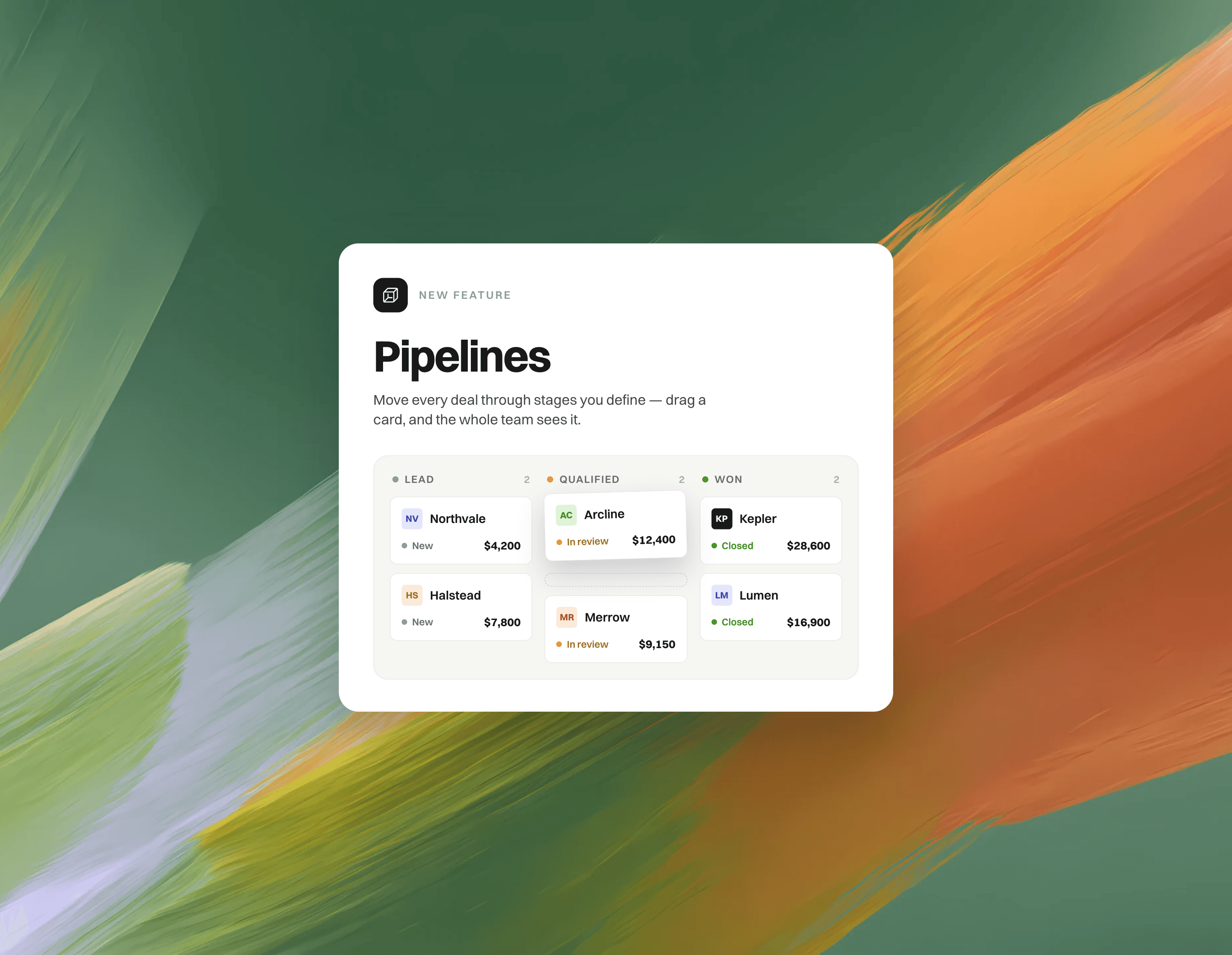
Pipelines bring lightweight CRM boards into Gleap. Track deals, onboarding, renewals — any process — as your companies and contacts move from stage to stage, right next to your inbox.
What's new
Kanban boards for companies & contacts: Create a pipeline for any process, drag records between stages, and switch to a table view when you want to scan and edit in bulk.
Templates & custom stages: Start from Sales, Customer onboarding or Renewals — then rename, reorder, recolor and archive stages as you like.
Custom fields & stage totals: Add text, number or currency fields per pipeline, edit them inline on cards and in the table, and see live per-stage calculations like the total deal value.
Record peek: Click any card to open a side drawer with stage progress, inline-editable fields, the full company or contact details and an activity timeline — without leaving the board.
Automations: Run workflows when an entry is added to a pipeline or changes stage — move stages, set fields, create tickets, email the contact, notify a teammate, add to another pipeline or call your API.
Linked conversations: Link tickets to pipeline entries, so the deal and its support conversations stay connected — from the ticket sidebar and from the entry itself.
REST API & Node.js Admin SDK: Drive pipelines from your backend — add, update and remove entries using your own company or user ids. Check out the and the to get started.
How it works
Open Pipelines in the sidebar (right next to Contacts) and create your first pipeline from a template.
Add companies or contacts — pick them one by one, or bulk-add everything matching a filter.
Drag records through your stages; fields, totals and the activity feed update as you go.
Optional: open the pipeline settings to add custom fields and automations.
Great for
Sales pipelines with deal values summed per stage
Customer onboarding, from kickoff to live
Renewals & churn risk — with a ticket linked to every at-risk account
Syncing stages and deal values from your own backend — e.g. move an account to "At risk" when usage drops
Any process where CRM context and support conversations belong side by side
Pipelines are available now in beta — open the new Pipelines tab and create your first board. 