Changelogs
Stay up to date with the latest changes and enhancements.
Stay up to date with the latest changes and enhancements.

Stay up to date with the latest changes and enhancements.

07. Oct 2026
Share
We rebuilt email in Gleap from the ground up. Newsletters, automated emails and support replies now look like they were written by a person, land in the right tab, and stay in one thread.
Plain reads like an email from Gmail, best for replies and the Primary tab. Personal adds light styling, buttons and images, signed by a teammate. Company brings your logo, a content card and a full footer for newsletters. All three are tested in Gmail, Apple Mail and Outlook, including dark mode.
The editor now renders your email exactly as your readers will see it. Pick a look from the sidebar, write, and the preview, the test email and the real send all match.
Newsletters go out once to a segment, a contact list or a CSV.
Automated emails are sent when something happens: signup, day 3, an event, a limit reached.
Kai-written emails: write a prompt once and Kai writes each person their own email from your data. You review the first ones before they go out.
Every outreach type now starts from a set of ready-to-use starters, from a welcome email to a maintenance banner or a first-run product tour.
Replies from your team and from Kai now stay in the customer's existing email thread, show the teammate's name and signature, and include the conversation history only when it helps. Rating requests are part of the closing reply instead of a separate email.
Set up your brand, signature, support replies and domain in one guided "Set up email" flow. Signatures are added automatically once they're set up, with photo, job title and a booking link.
Unsubscribing stops newsletters and automated emails, but never a reply to a ticket the person opened. Bounced addresses are now tracked separately, with their own filter in Contacts. Personal follow-ups can be sent as conversational emails without an unsubscribe link.
Open Outreach → Emails to try it. Your existing emails keep working as before, and you can switch them to a new look at any time.

29. Sep 2026
Share
Claude Sonnet 5.5 is now available in Gleap. Select it for Kai, for your AI agents, or for Kai Code sessions in Gleap Cloud.
Fast and cost-efficient: A strong fit for everyday support answers and focused coding tasks.
Large context: Works with long conversations and big codebases.
Same price as Claude Sonnet 5: A newer model at no extra cost.
Claude Sonnet 5.5 replaces Claude Sonnet 5 in the model selector. Agents and sessions already set to Claude Sonnet 5 keep working, and you can switch them whenever you like.
Find Claude Sonnet 5.5 in Gleap’s model selector.

23. Sep 2026
Share
GPT-6 Astra, GPT-6 Sol, GPT-6 Luna and Claude Opus 5.5 are now available in Gleap. Select them for Kai or for Kai Code sessions in Gleap Cloud.
Claude Opus 5.5: For long, multi-step coding sessions.
GPT-6 Astra: For complex reasoning and coding tasks.
GPT-6 Sol: For demanding work with a balance of capability and cost.
GPT-6 Luna: For repeatable, high-volume work.
New Kai Code Cloud sessions now start with Claude Opus 5.5. You can choose another supported model when the task calls for it. Kai Code prepares the plan, code changes and pull request for your engineers to review and ship.
Find the new models in Gleap’s model selector.

20. Sep 2026
Share
Your data. Your region. EU and US hosting is here.
You can now choose between EU and US data centers when creating your Gleap account, giving your team more control over where your customer content is hosted.
EU: Frankfurt, Germany
US: New York, United States
Your customer databases, uploaded files, and backups stay in your selected region. Choose your region at signup, then connect your SDKs and integrations using the matching regional endpoints.
Already using Gleap and considering a different region? Get in touch to discuss your existing account before making changes.
14. Sep 2026
Share
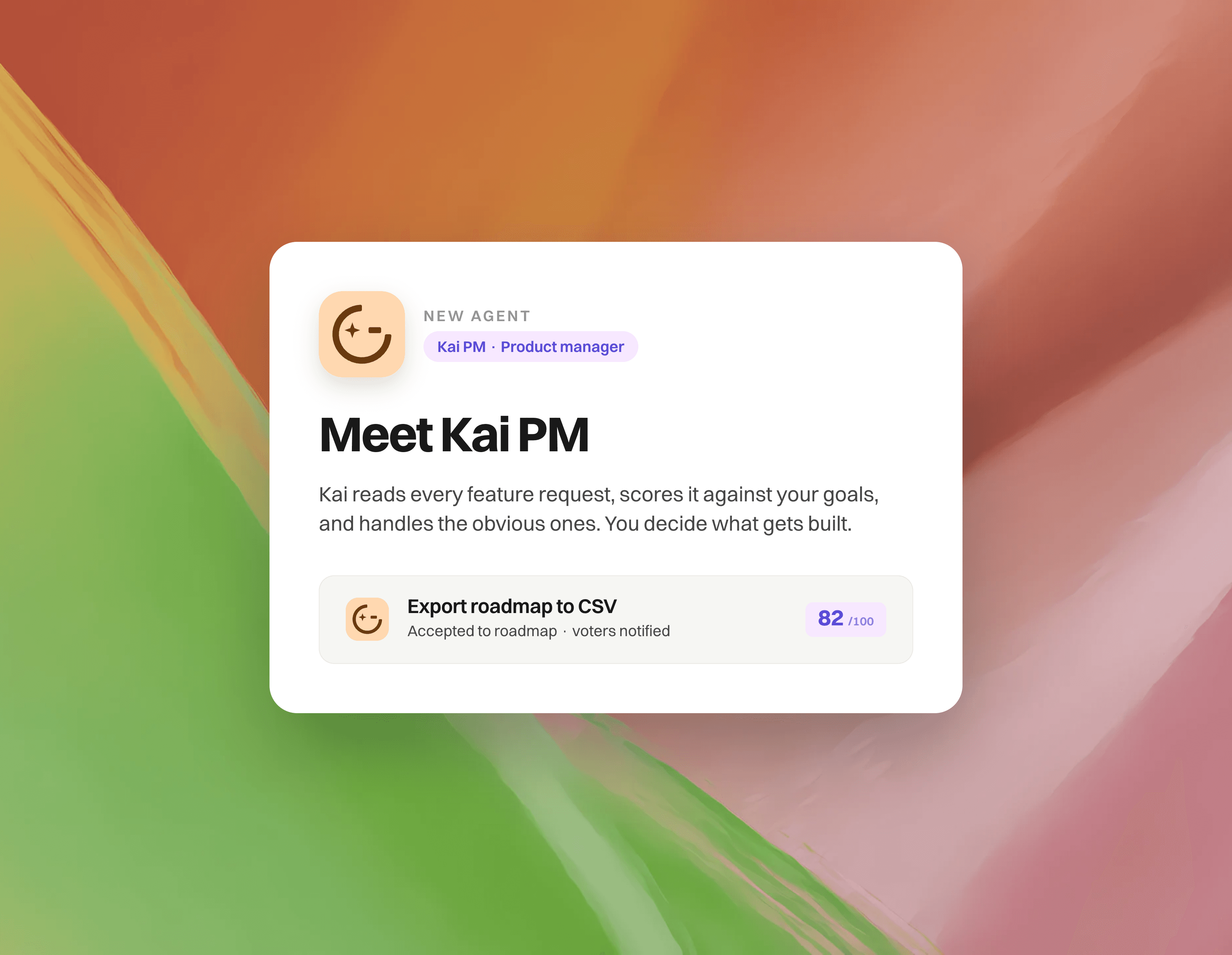
Feature requests used to wait for you. Now Kai reads them first, scores them, and handles the obvious ones. You decide what gets built.
Kai knows where you're headed. During setup, Kai analyses your company: your website, positioning, target audience, competitors and goals. You review and correct the profile, and from then on every request is judged against the road you actually want to take, not a generic rubric.
Scores with reasons. Every open request gets a 0 to 100 score from votes, revenue behind the voters, fit with your goals and effort. Each factor is visible on the request, and you can override any of them.
Let Kai decide. Kai accepts reasonable requests onto your public roadmap and declines out-of-scope ones, with a reply to the customer in their language. Steer it with plain-language rules. Every decision is logged and reversible.
Better requests on arrival. Kai asks the customer for missing details, merges clear duplicates with their votes, and tells them when the feature already exists.
A new overview. Your roadmap lanes as stages, with red counts for anything that needs a person. Move a request to Released and Gleap offers to tell everyone who voted.
Ask your roadmap. The Kai PM chat answers questions like "what are enterprise accounts asking for?" and can find duplicates, re-score or bulk-update requests. It shows you what it will do before doing it.
Activity. One page with every decision and score change Kai made, filterable, with unread tracking.
Go to Feedback portal → Kai PM and run the four-step setup. Kai drafts your company profile from your website, you correct it and launch. Included in Pro and above.
Read more in Let Kai run your roadmap in the help center.
31. Aug 2026
Share
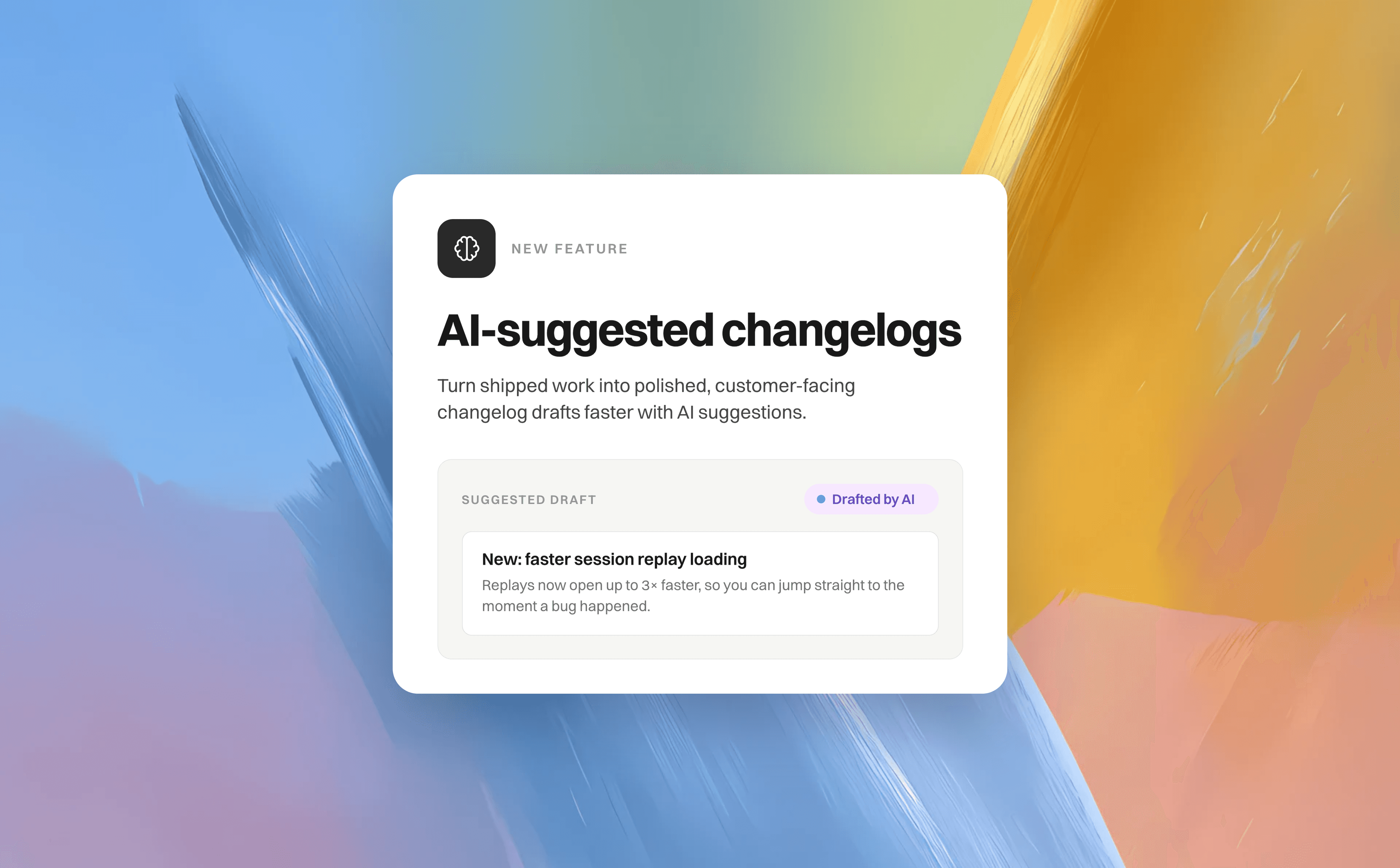
Turn shipped work into polished, customer-facing changelog drafts faster with AI suggestions. The feature scans your connected repository changes and released feature requests, then generates a suggested changelog header and body so you have a clear starting point.
Go to Feedback portal → AI tools → Suggest changelogs and start a scan.
Review each suggestion’s generated title, body preview, confidence badge, and source references. Use these details to understand what the suggestion is based on and decide whether it belongs in your changelog.
Select Create draft to open a prefilled changelog editor. Edit the header and body to match your voice, refine the styling and presentation, and make any final changes before publishing.
Select Dismiss when a suggestion isn’t relevant.
You’ll see All caught up when there are no new customer-facing changes to publish. You can also enable weekly or monthly scans, and check the scan note to see exactly what was analyzed—including whether only the newest pull requests were included. Try it after your next release!
12. Aug 2026
Share
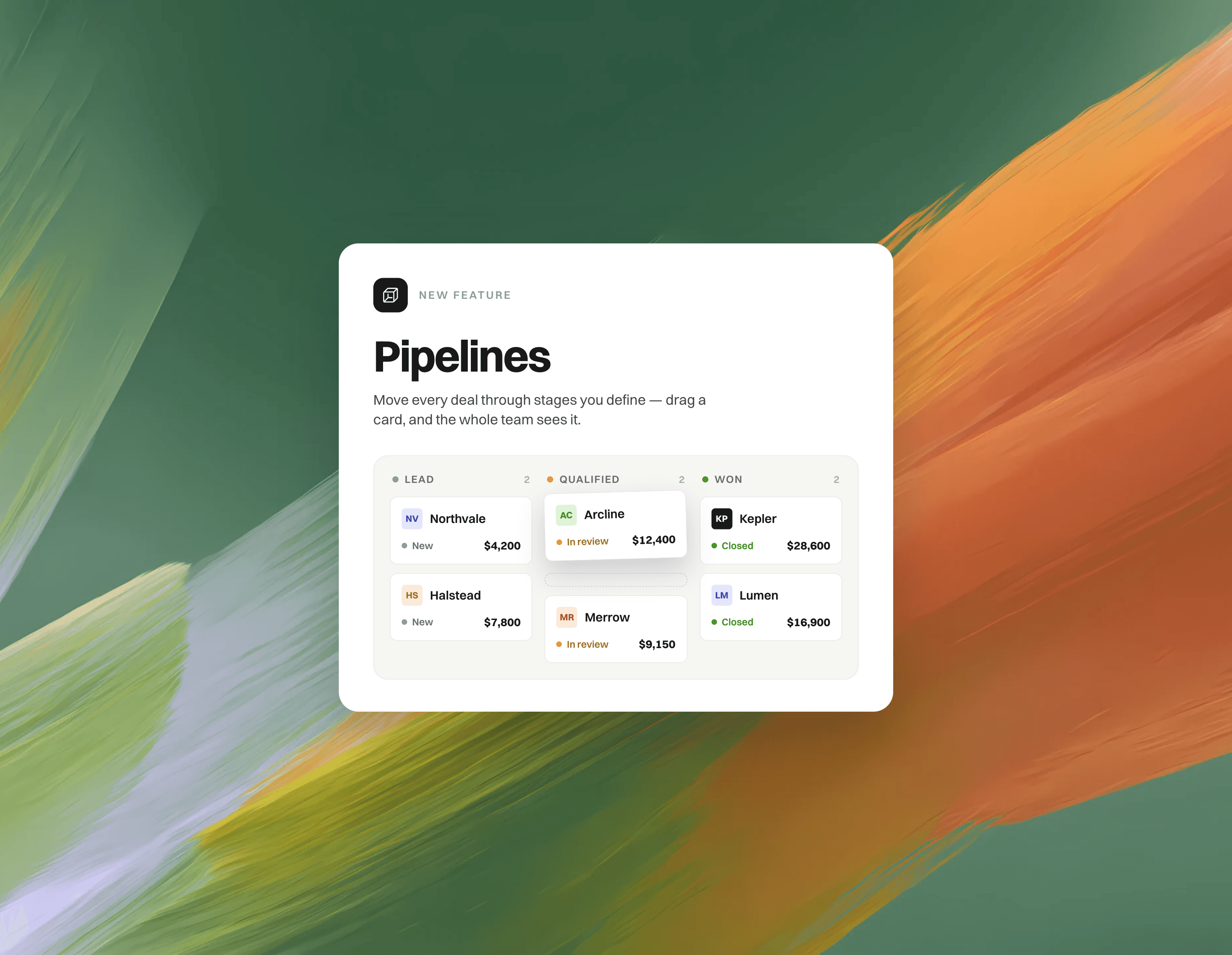
Pipelines bring lightweight CRM boards into Gleap. Track deals, onboarding, renewals — any process — as your companies and contacts move from stage to stage, right next to your inbox.
What's new
Kanban boards for companies & contacts: Create a pipeline for any process, drag records between stages, and switch to a table view when you want to scan and edit in bulk.
Templates & custom stages: Start from Sales, Customer onboarding or Renewals — then rename, reorder, recolor and archive stages as you like.
Custom fields & stage totals: Add text, number or currency fields per pipeline, edit them inline on cards and in the table, and see live per-stage calculations like the total deal value.
Record peek: Click any card to open a side drawer with stage progress, inline-editable fields, the full company or contact details and an activity timeline — without leaving the board.
Automations: Run workflows when an entry is added to a pipeline or changes stage — move stages, set fields, create tickets, email the contact, notify a teammate, add to another pipeline or call your API.
Linked conversations: Link tickets to pipeline entries, so the deal and its support conversations stay connected — from the ticket sidebar and from the entry itself.
REST API & Node.js Admin SDK: Drive pipelines from your backend — add, update and remove entries using your own company or user ids. Check out the and the to get started.
How it works
Open Pipelines in the sidebar (right next to Contacts) and create your first pipeline from a template.
Add companies or contacts — pick them one by one, or bulk-add everything matching a filter.
Drag records through your stages; fields, totals and the activity feed update as you go.
Optional: open the pipeline settings to add custom fields and automations.
Great for
Sales pipelines with deal values summed per stage
Customer onboarding, from kickoff to live
Renewals & churn risk — with a ticket linked to every at-risk account
Syncing stages and deal values from your own backend — e.g. move an account to "At risk" when usage drops
Any process where CRM context and support conversations belong side by side
Pipelines are available now in beta — open the new Pipelines tab and create your first board. 
06. Aug 2026
Share
This is the biggest update to the Gleap inbox yet. AI agents now work directly inside your tickets, conversations can branch into threads, and the whole dashboard can be driven from the keyboard.
 AI agents work inside the conversation
Agents used to live in a panel of their own, off to the side. Now they're part of the ticket your team is already reading.
@mention an agent in the composer to hand it a task. It picks the work up right there in the timeline.
Ask agent — a dedicated composer mode for agent instructions. Everything sent there stays internal to your team.
Watch the work happen. Agent runs appear as messages in the conversation: the steps taken, the questions asked, the results produced. When an agent needs something from you, answer it inline.
See what's queued — pending instructions and what each agent is allowed to do, before it starts.
Full activity log for any run, one click from the message.
Stop a run that's heading the wrong way.
Agents now speak with your project's own bot name and colour instead of a generic "Bot".
Hand a ticket to an AI agent — or to a coding agent — straight from the command palette.
 Threads
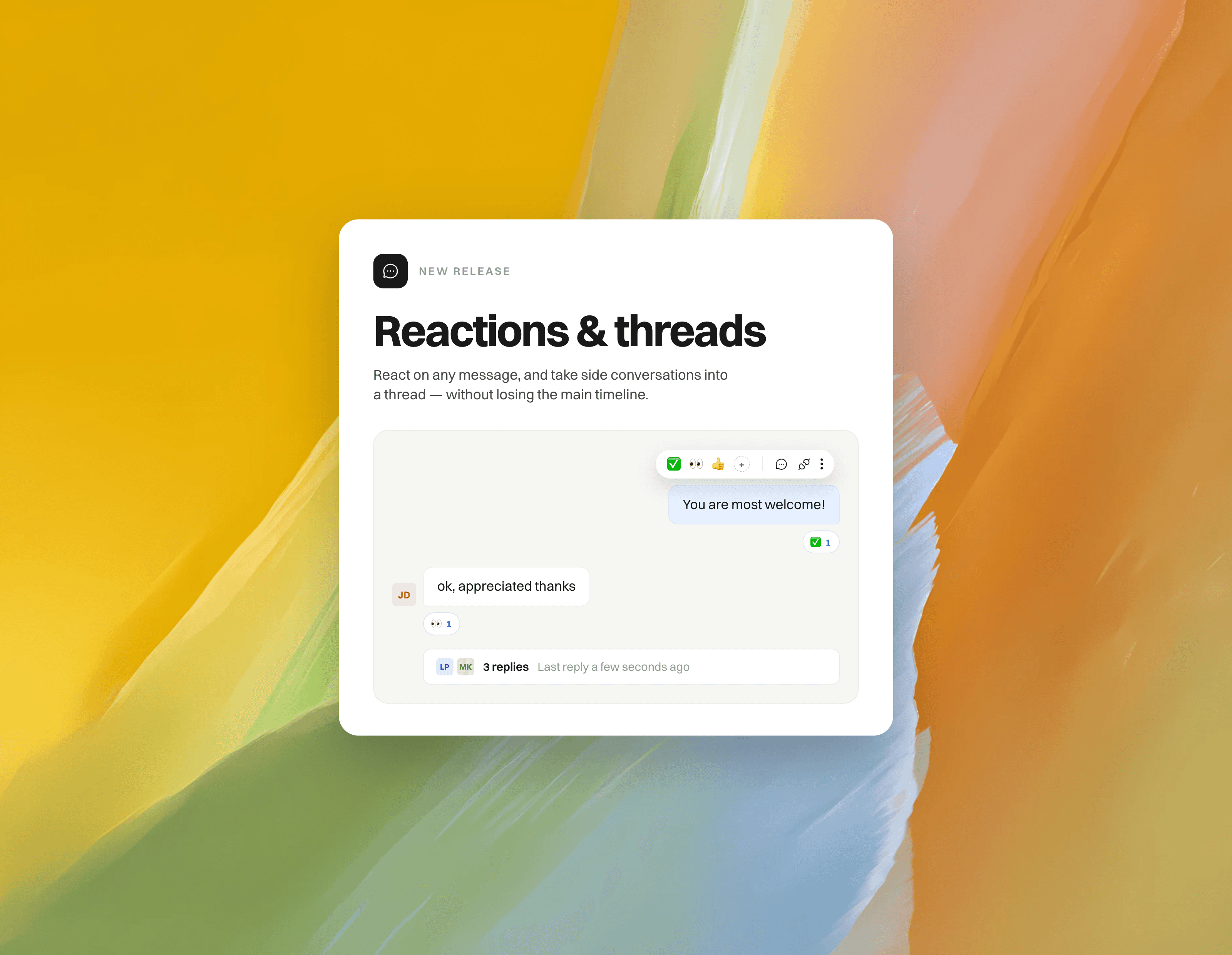
Reply in thread on any message to keep side conversations out of the main timeline.
The thread opens in a panel beside the conversation, with a draggable split so you can size it however you like.
A summary bar under the root message shows the reply count and who's involved, so nothing gets buried.
Threads work the same whether you're talking to a teammate or an agent.
 A rebuilt conversation view
A faster, calmer feed that holds its place as new messages come in.
Emoji reactions on any message — quick 

 on hover, full picker for everything else, with names on hover.
New composer with a persistent formatting toolbar and clear reply / internal note modes.
Cleaner message grouping, day separators, live typing indicators and delivery status.
Attachments render as typed file chips; images size themselves correctly.
Inbound emails render clean — no more trailing whitespace, quoted-tail noise, or gaps left by tracking pixels.
Ticket history now comes from a dedicated history service, so it stays complete and fast even on very long tickets.
 Keyboard-first
⌘K command palette — assign, snooze, set status, priority or tags, run a workflow, insert a macro, help center article or GIF, attach a file, translate a draft, hand off to an AI agent, or jump to another inbox or board. All without reaching for the mouse.
Shortcuts throughout: R reply, N note, E archive, A assign, Z snooze, S status, P priority, J/K to move between conversations, C for a new conversation. Press Shift + ? for the complete list.
Practice mode — a built-in trainer that drops you into a simulated inbox and teaches the shortcuts against a clock, with a score and a personal best. Open it from the palette or the empty inbox.
Learn more here: https://help.gleap.io/en/articles/226-keyboard-shortcuts
 Inbox & navigation
The inbox and board pickers now float over the list by default and pin when you want them docked — more room for the conversation itself.
Multi-select conversations in the inbox to act on several at once.
Resizable inbox list, details sidebar and thread panel. Drag to size, double-click to reset — your widths are remembered.
Jump straight to the next or previous conversation without going back to the list.
 Filters, sorting and tables
Rebuilt filter bar: add, edit and clear filters as chips, with a clear view of what's active.
New sort menu across boards and views.
Tables throughout the dashboard now support showing, hiding and reordering columns.
 Save an email as PDF
Export the original inbound email behind a ticket as a PDF, straight from the original-email view — no more going back into your mailbox to archive a message you already have in Gleap.
SpeedSwitching between tickets in the same project now makes less than half the network requests it used to.
Re-opening a recently viewed ticket paints instantly from cache instead of showing a loading skeleton.
Scrolling long conversations, dragging cards on a board and receiving live updates are all noticeably smoother.
Searching inside very long conversations handles far more messages without stalling, and tells you when it has only searched the newest ones.
 Polish
Refreshed dialogs across the dashboard, with consistent headers, footers and sizing.
Unified tooltips (including shortcut hints), titles and dark mode on every screen.
One consistent AI-translate button everywhere translation is offered.
22. Jul 2026
Share
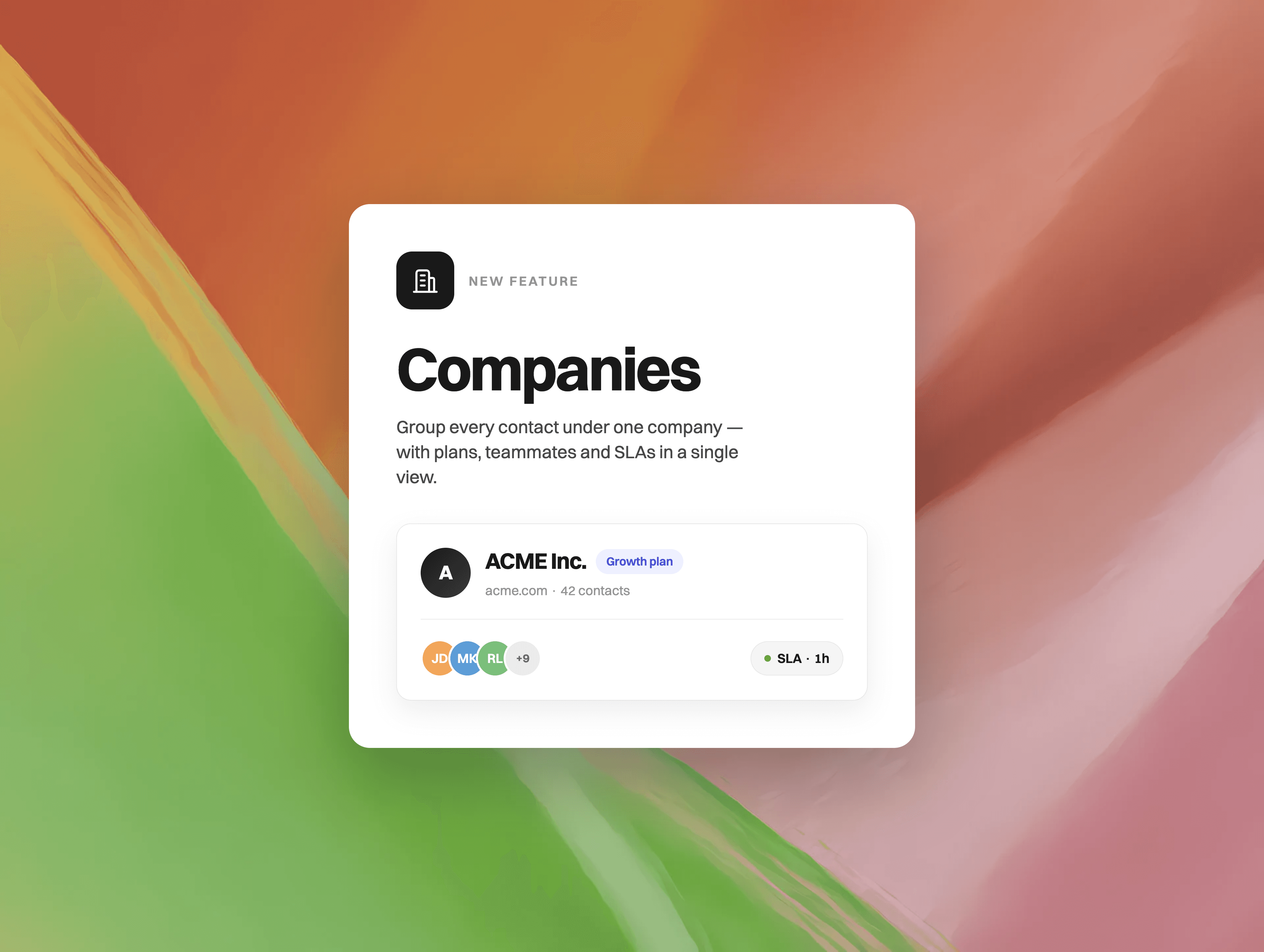
Companies bring the full account picture into Gleap. Group your contacts under the company they belong to and see plan, value, SLA and every conversation of an account in one place.
What's new
Company profiles: Every company gets its own page with members, conversations, notes and files — the complete history of an account, one click away.
Identify companies from your app: Pass company: { id, name } with Gleap.identify() and Gleap groups your contacts automatically — no extra setup.
REST API & Node.js Admin SDK: Manage companies from your backend. Create, update, read and delete them via PUT/GET/DELETE /admin/companies/{id}, or use updateCompany(), getCompany() and deleteCompany() in the Node.js Admin SDK. Attributes you set server-side are authoritative — client apps can never overwrite them.
Custom company attributes: Plan, value, domain, address — plus any custom property you define. Edit them inline, right in the company sidebar.
Company-level SLAs: Set response-time targets per company. Your most important accounts get answered first — with smart fallbacks for everyone else.
Workflows & Kai know the company: Use company attributes in workflow conditions and variables like {{company.plan}}, and Kai sees the company context when answering.
How it works
Send the company with your identify call: Gleap.identify("user-id", { company: { id: "acme-inc", name: "ACME Inc." } }).
Contacts sharing the same company id are grouped automatically.
Open Contacts → Organisations to browse your companies and drill into any profile.
Set authoritative data like plan, value or SLA in the dashboard — or from your backend via the REST API or Admin SDK.
Great for
B2B support: instantly see which account a conversation belongs to — and what they pay
Prioritizing key accounts with per-company SLAs
Routing and automating by plan, value or any custom company attribute
Syncing plan, value and SLA from your own backend, so support always sees live account data
Already sending companyId with your identify calls? You're all set — we've imported your existing companies, history included. 
10. Jul 2026
Share
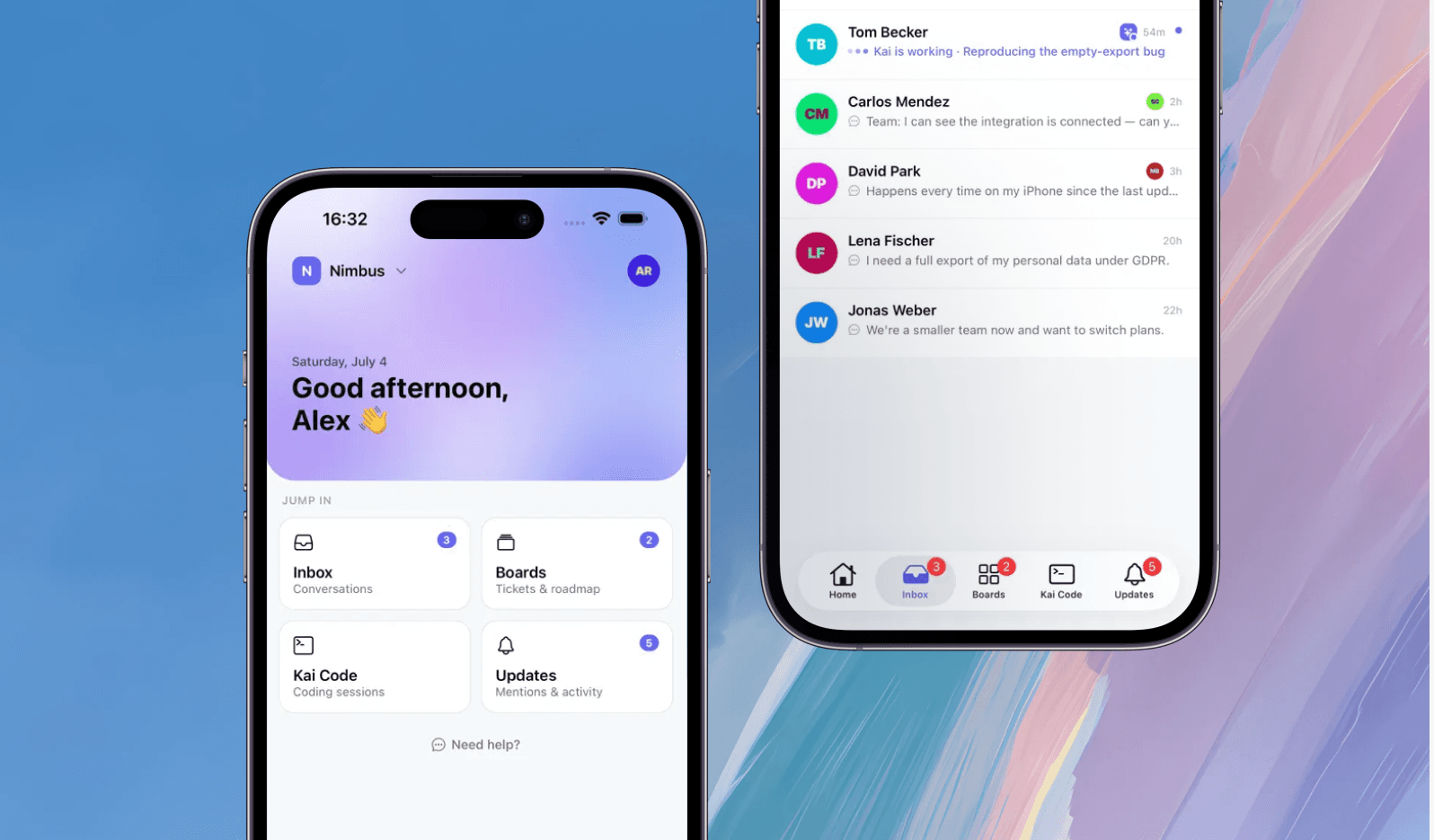
A faster, smoother mobile experience — rebuilt from the ground up for support on the go.
Support doesn’t stop when you leave your desk. Now, neither does Gleap.
We rebuilt the Gleap mobile dashboard as a native app for iOS and Android. From your phone, you can now:
Reply to conversations and manage tickets
Get push notifications and jump directly into important updates
Turn your voice or a few keywords into a complete AI-assisted reply
Review boards and keep Kai Code sessions moving
Download on the App Store · Get it on Google Play
This is only the beginning. Try it and tell us what you love, what needs work, and what you want us to build next. We’re incredibly excited to hear your feedback. Let’s go!