Changelogs
Stay up to date with the latest changes and enhancements.
Stay up to date with the latest changes and enhancements.

31. Aug 2026
Share
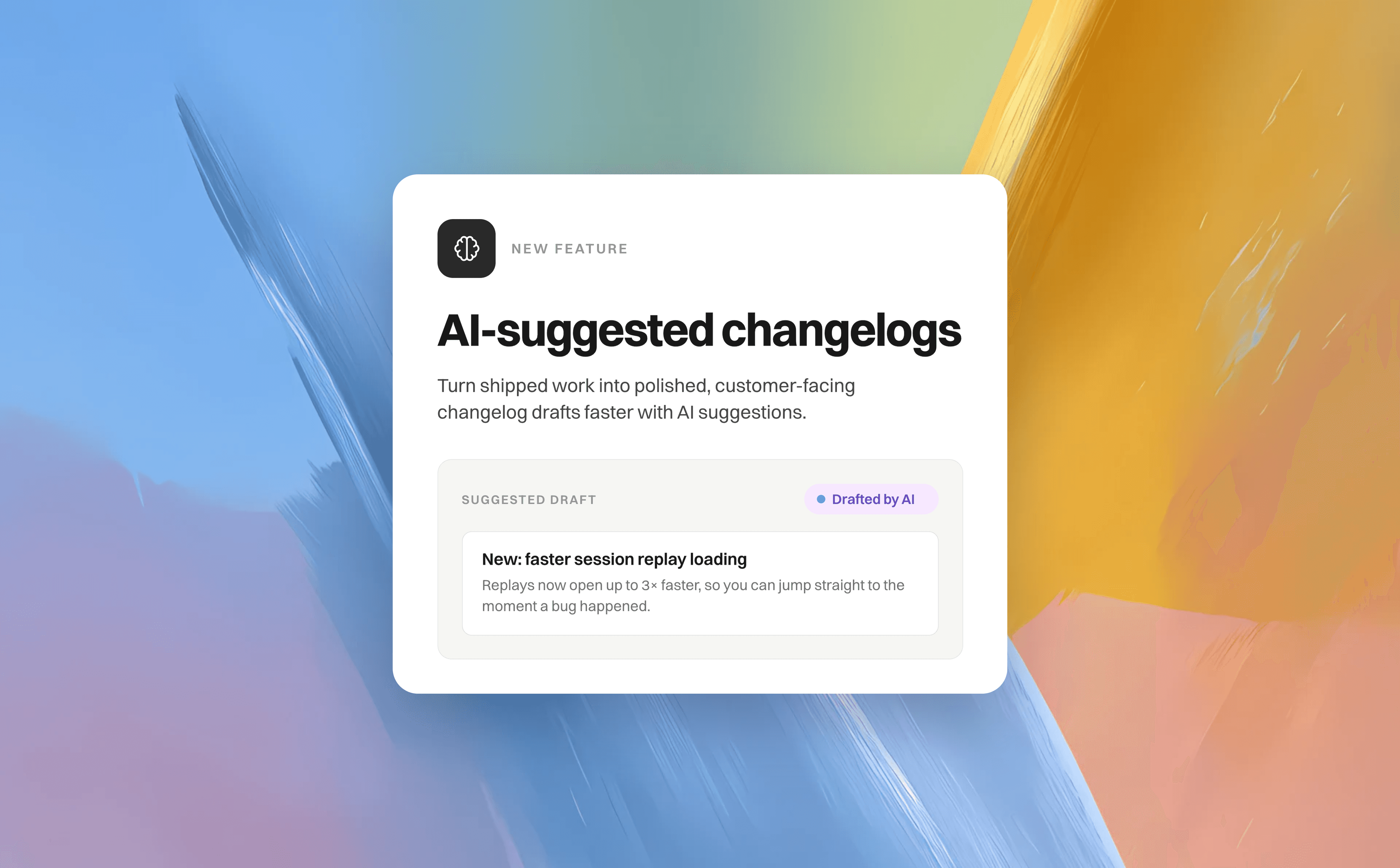
Turn shipped work into polished, customer-facing changelog drafts faster with AI suggestions. The feature scans your connected repository changes and released feature requests, then generates a suggested changelog header and body so you have a clear starting point.
Go to Feedback portal → AI tools → Suggest changelogs and start a scan.
Review each suggestion’s generated title, body preview, confidence badge, and source references. Use these details to understand what the suggestion is based on and decide whether it belongs in your changelog.
Select Create draft to open a prefilled changelog editor. Edit the header and body to match your voice, refine the styling and presentation, and make any final changes before publishing.
Select Dismiss when a suggestion isn’t relevant.
You’ll see All caught up when there are no new customer-facing changes to publish. You can also enable weekly or monthly scans, and check the scan note to see exactly what was analyzed—including whether only the newest pull requests were included. Try it after your next release!