Changelogs
Stay up to date with the latest changes and enhancements.
Stay up to date with the latest changes and enhancements.

09. Jul 2026
Share
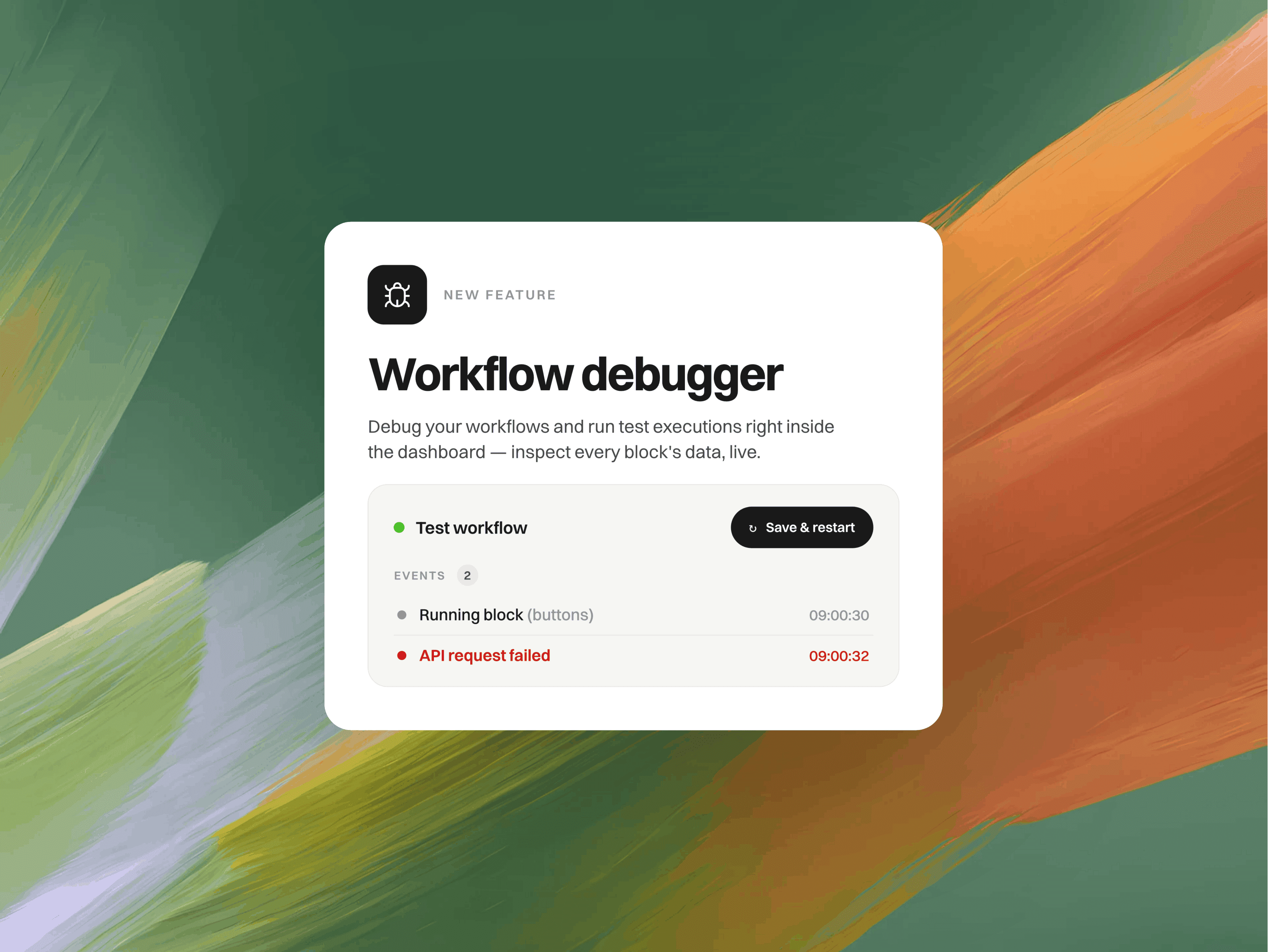
The new workflow debugger lets you run any workflow live, right from the builder, and watch every step as it happens.
What's new
Run it live: Hit Save & run and your workflow starts in a real messenger inside the builder. No publishing, no separate tab.
Watch each step: The canvas highlights the block that's running, so you can follow the exact path your workflow takes.
See what's happening: A live event stream shows which branch a condition took, what an API action returned, what the AI decided, and more. Expand any step to inspect the details.
Test as anyone: Run as a fresh guest, or as one of your real contacts to check targeting, conditions and anything that depends on customer data.
How it works
Open a workflow and click Test.
Pick Guest or a specific contact.
Click Save & run and interact just like a customer would.
Tweak a step, hit Save & restart, and try again.
Great for
Catching broken conditions and API calls before customers ever see them
Testing how a workflow behaves for different types of contacts
Debugging bigger, multi-step workflows without the guesswork
Every test run lands in your inbox with a Test badge, so it's easy to find and never gets mixed up with real conversations.
Give it a try on your next workflow. 