Changelogs
Stay up to date with the latest changes and enhancements.
Stay up to date with the latest changes and enhancements.

08. Jul 2026
Share
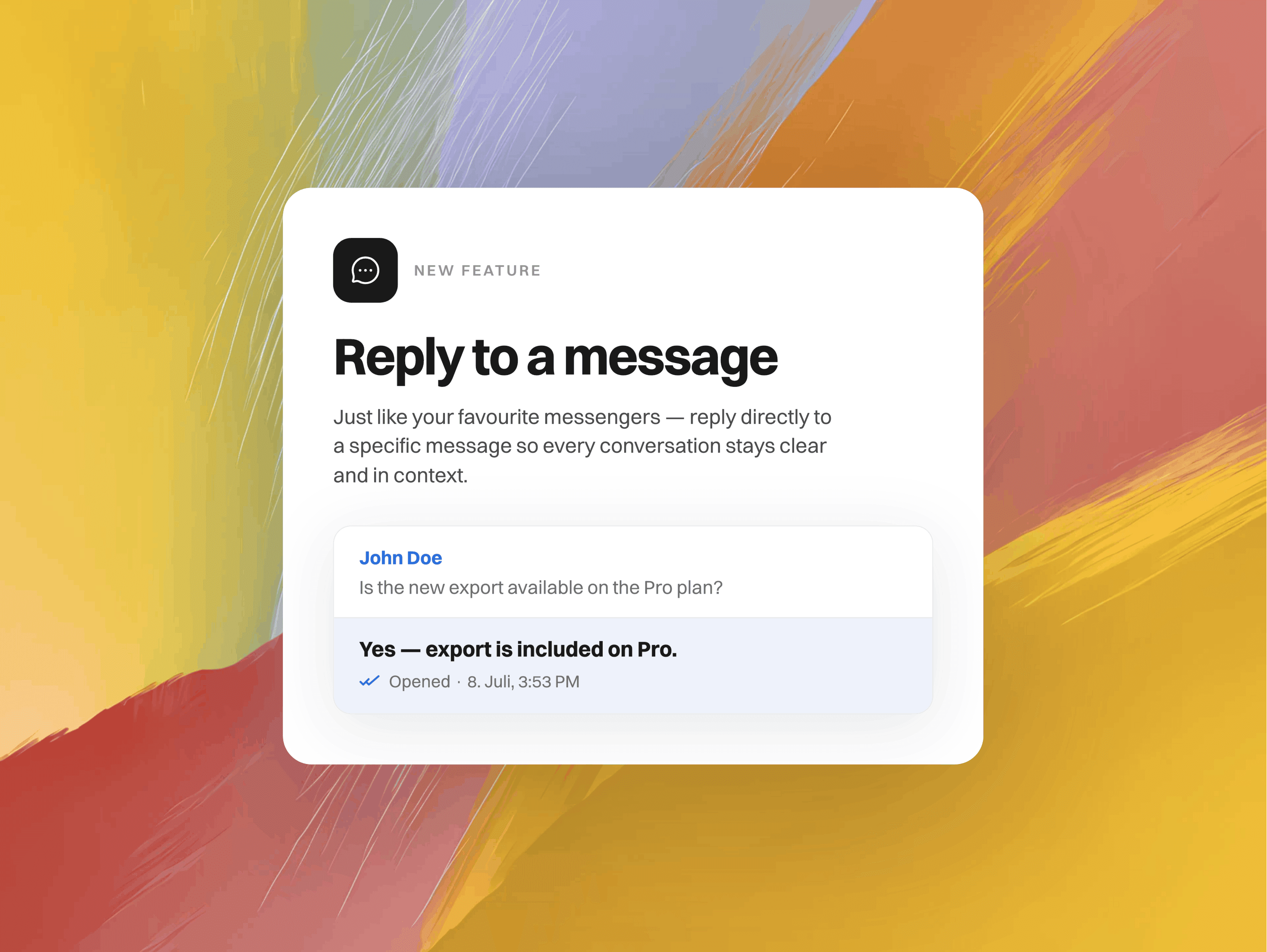
Busy conversations get messy fast. A customer fires off three questions in a row, a thread jumps between topics, and suddenly it's not obvious which message you're actually answering. Now you don't have to leave anyone guessing. You can reply directly to a specific message, right inside the inbox.
What's new
Reply to any message: Hover over a message and click Reply to quote it in your response. Works for customer messages, internal notes, Kai's replies, and emails.
A clear "Replying to" banner: Before you send, a banner above the composer shows exactly which message you're responding to, with one click to cancel if you change your mind.
Quoted context in the thread: Your reply carries a compact preview of the original message, so everyone can see what it's about at a glance.
Jump to the original: Click any quote to jump straight to the message it references. A real lifesaver in long threads.
Works with everything: Plain text, rich text, and attachments all get clean previews.
How it works
Open any conversation in your inbox, hover over the message you want to answer, and hit Reply. Type your response as usual and send. The quote comes along automatically. That's it.
No busy threads left behind. Give it a try and let us know what you think! 