Changelogs
Stay up to date with the latest changes and enhancements.
Stay up to date with the latest changes and enhancements.

07. Jul 2026
Share
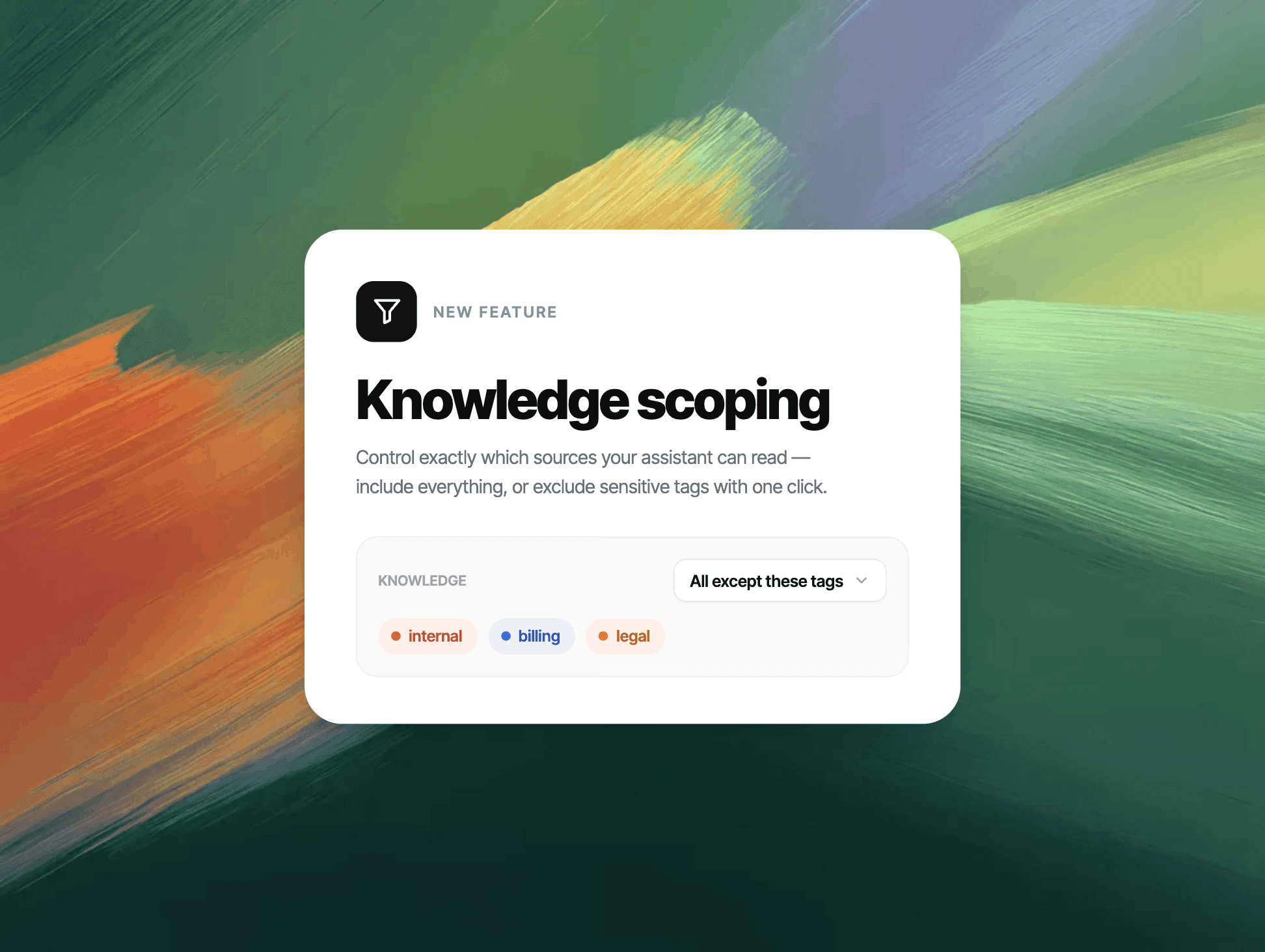
Your knowledge base isn't one-size-fits-all — now your AI agents aren't either. With knowledge scoping, you decide precisely which content each agent can use to answer, with simple tags.
What's new
Tag any content — help center articles, FAQ snippets, uploaded files, and crawled website pages — right where you manage it.
Scope any AI agent to those tags: let it use only content with certain tags, or everything except certain tags.
Keep internal knowledge internal — content tagged internal stays out of customer-facing answers by default.
Manage all content tags in one place under Project settings → Tags → Content tags.
Scope Kai too — set a project-wide default, or scope a single "Let Kai answer" step in your workflows.
Great for
Internal vs. external: give your team's copilot access to internal notes, while customers only ever see public content.
Multiple products or brands: point a Billing agent at billing content and an Onboarding agent at onboarding content — no cross-talk.
VIP & segments: route VIP users to an agent scoped to VIP-only knowledge.
How it works
Add tags to your content, open your AI agent's Knowledge tool, and pick All knowledge, Only these tags, or All except these tags. That's it — the agent instantly answers from just its slice of your knowledge base.
Available now. 