Changelogs
Stay up to date with the latest changes and enhancements.
Stay up to date with the latest changes and enhancements.

05. Mar 2026
Share
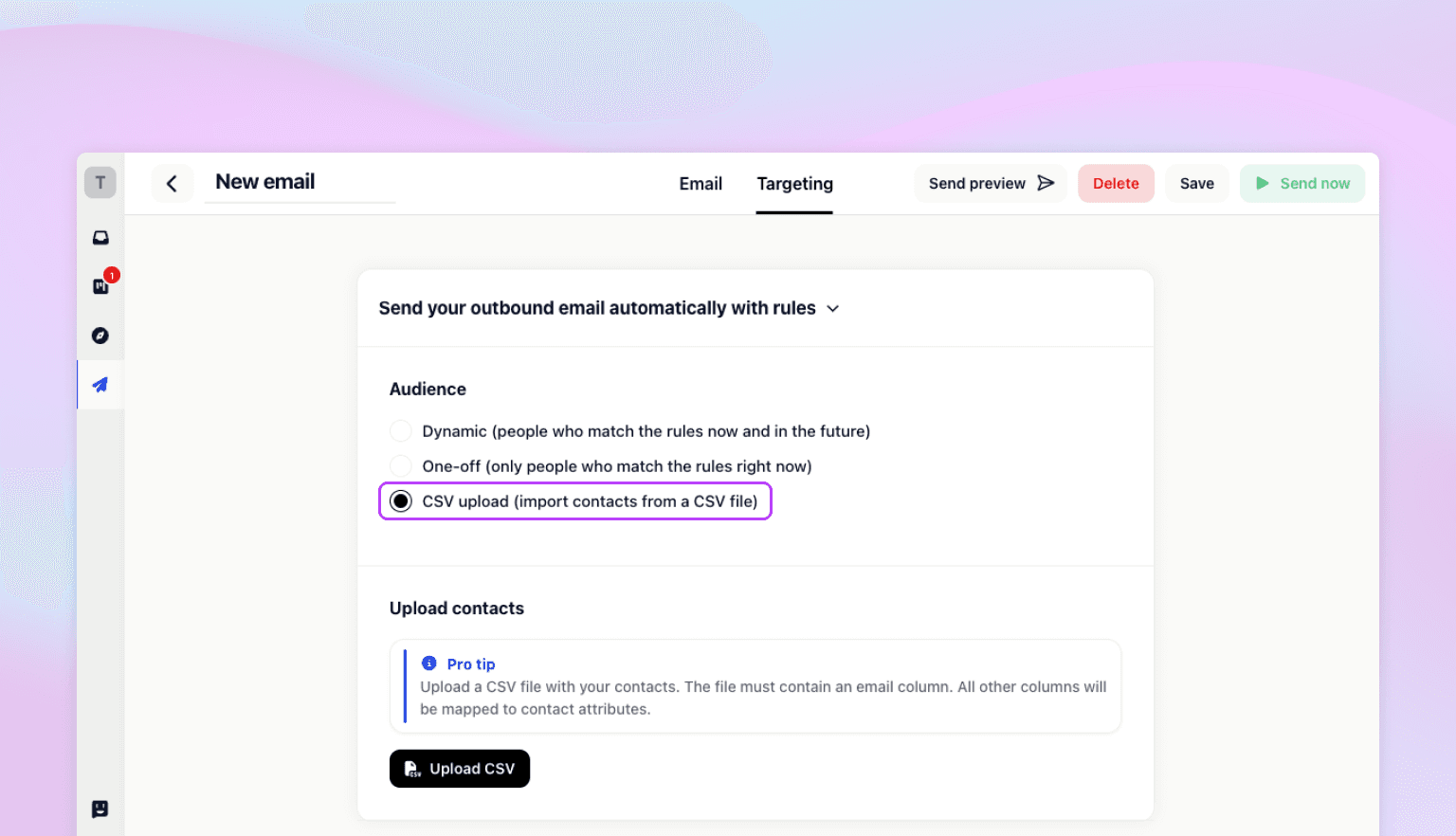
Reaching people outside your existing user base just got a whole lot simpler. You can now upload a CSV file and send outbound emails directly to your imported contacts — no manual entry, no workarounds.
How it works:
Head to Outreach → New Email and choose your campaign content.
Under Targeting → Audience, select CSV Upload.
Map your CSV fields (like email, name, or any custom data) to the right session properties.
Click Upload to create sessions for each contact, then hit Send Now to deliver your email.
This was one of your most requested features — and we're glad it's finally here. Whether you're running an outreach campaign, re-engaging a list from another tool, or reaching out to event attendees, CSV upload makes it fast and flexible.
Head to your Gleap dashboard and give it a try.